update from 6.7.6 to 6.7.7 issues on ipad

It keeps asking to update but from app-store it says it's updated
After the 1st update, i modified a couples of documents but it gave me an error message when I saved and infact I cannot open them anymore saying that the internet connection doesn't work. I can still open the previous one but I cannot save any file more.
please help me
Comments
-
while re-opening the file I have this error message:
"Cloudkit refresh duplicates detected: 2. Titles: (
"This old heart of mine Bb",
"The Loco-motion Db"
)
these files are those ones i update after the first time it asked me to update the version0 -
@Piero_pro
Sorry to hear about the issues. In the vast majority of cases, both issues have been completely resolved by following the steps outlined:I cannot open them anymore saying that the internet connection doesn't work1. For projects uploaded to iCloud from SP > Projects > iCloud button, you need a persistent internet connection to view or edit files. Please keep keep this in mind and ensure that you're connected. This is because our app uses Apple CloudKit, which is an infrastructure layer based on iCloud. For such uploads, SP stores and retrieves projects in a way that offloads everything to the cloud.
while re-opening the file I have this error message:
"Cloudkit refresh duplicates detected:2. All of your data can be recovered if you see this error message. The most direct way is via the "safe mode" recovery tool, which is described as follows:
The Help entry for the SP CloudKit Document Browser / Recovery Tool:Instructions on How to Use this Tool
- This window involves downloading files to the device while also keeping all copies of the projects, so that no work is accidentally lost.
- Version 6 allows you to view/download all iCloud projects uploaded from SP, via the new viewer & data gathering service: under the Projects Window, long-press the ellipsis icon (…), at the very top of the Bookshelf. Next, choose the option ‘SP Cloudkit Document Browser’ that pops up:
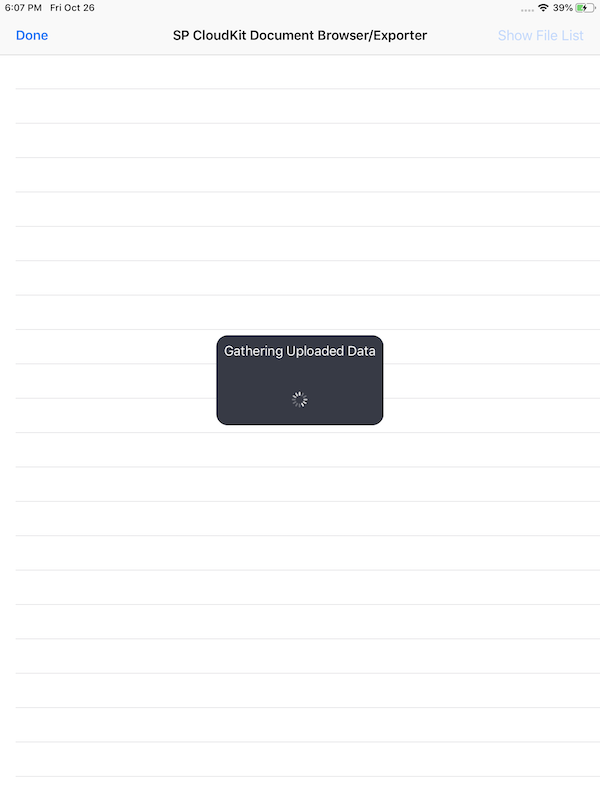
- This option will also list any data you've uploaded to SP iCloud/CloudKit. The list will display all such documents in the manner recommended by Apple in providing full GDPR compliance. The list is also intended as a safe mode for CloudKit document recovery, which may help resolve one or more corrupted iCloud documents in the event of recovery failure in other circumstances. An Internet connection is necessary to access this information. After loading, you can tap on any of the available files to delete or download, or choose 'Show All Data' to view all fields for debugging or transparency purposes".
- Reminder: The purpose of this recovery tool is that it is more reliable in recovering from an inconsistent state (i.e. in the case of duplicate files). Also, it is provided to help troubleshoot other issues. We can't access your documents, and this tool is provided to access your uploads reliably.
If you still have any trouble or need any further assistance, please let us know.
0 -
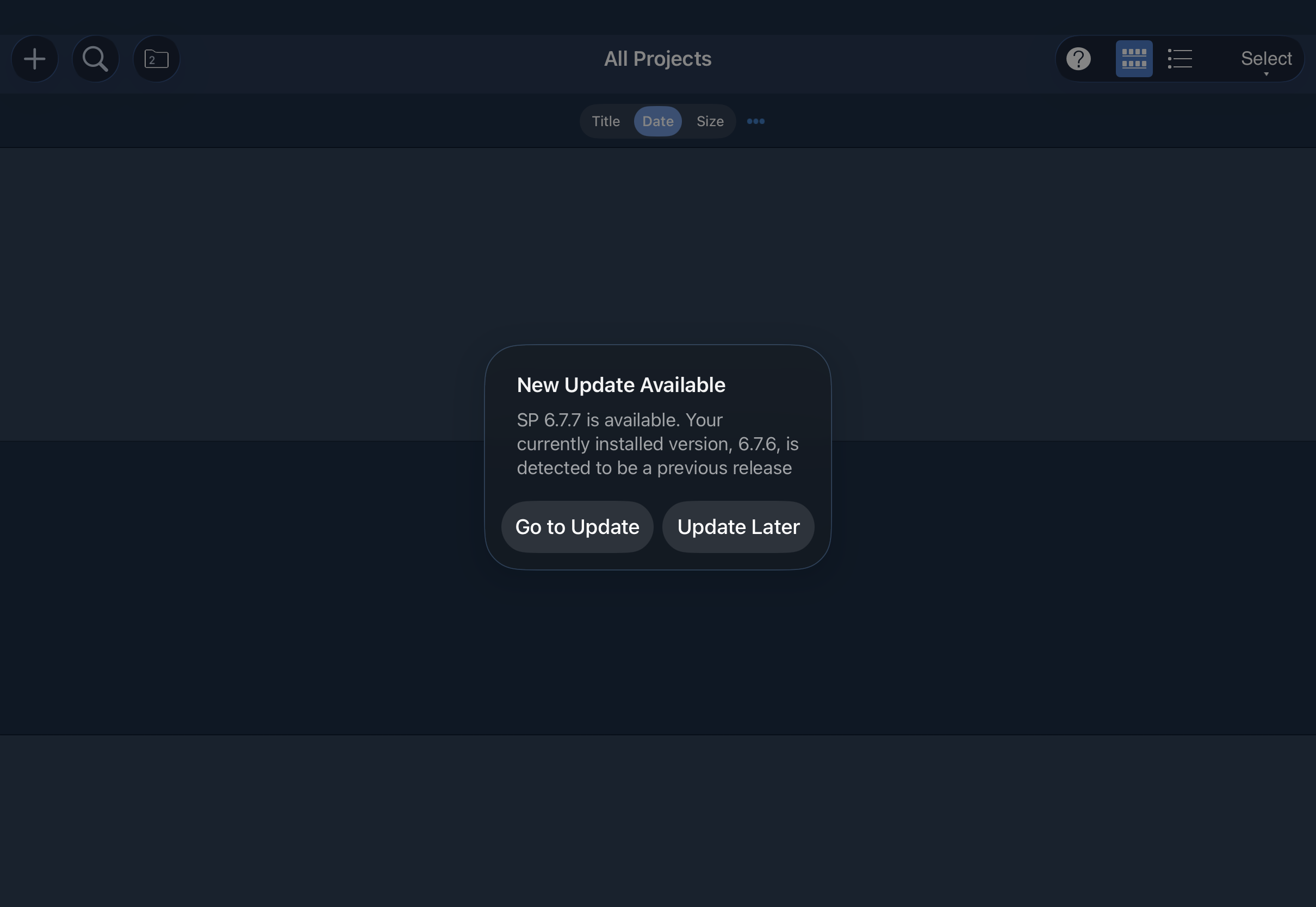
Is there any answer to this poster’s original question? I am having the same issue with a message saying I need to update to 6.7.7 and cannot do so.
 0
0 -
@m1c1bailey
Sorry about the ongoing inconvenience. This issue occurs because the dialog is currently reading from incorrect version metadata, and you have the latest version installed correctly. The next update is almost ready, but still requires further testing before it will be ready for release. Thanks for your patience!
0

